Fast automatic response
Notifications start as soon as an event is received from the service. No need to wait for an administrator: the system sends the command to connected players.
Connect NEXON Player to your sound system or display. It plays the right message after receiving the official signal, without staff having to start it manually.
Ready-to-use solution · Cloud management · Setup in minutes

NEXON Vision uses the official API of the “Повітряна тривога” app — Ukraine Alarm. Events arrive automatically, with a notification scenario configured for each location.
Ukraine Alarm · APINotifications start as soon as an event is received from the service. No need to wait for an administrator: the system sends the command to connected players.
Select a region, district, community or city from the service’s list. Each venue in your network can have its own alert area.
Connect one NEXON Player to your existing sound system. Normally it plays background music and promotional announcements; when an event arrives, it plays the alert message. Analogue and digital outputs make connection straightforward.
Music & announcementsInstall the app on Android TV / Google TV, or connect NEXON Player to another television via HDMI. The screen displays advertising and information, switching to alert messages and visitor instructions when needed.
Advertising and info screensYellow and red levels, transitions and all-clear events: configure your own audio and video playlists for each stage.
The system handles level changes, including yellow to red and back. A change of level is not an all-clear.
Examples prepared for the Vavilon shopping centre: Ukrainian audio recordings and frames from the finished videos.
These are demonstrations, not live alerts. Audio starts only when you press Play. Addresses and instructions in the examples refer to a specific venue and must be adapted for yours.
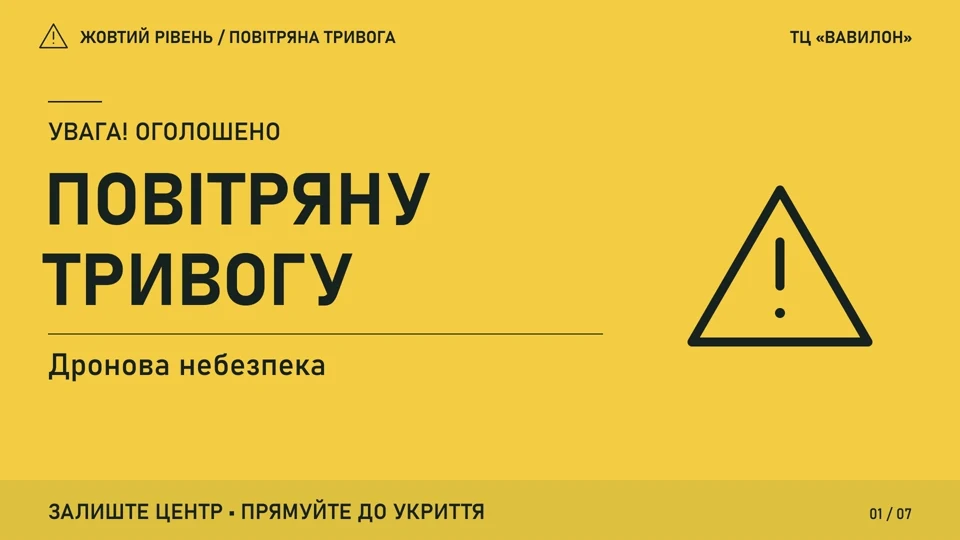
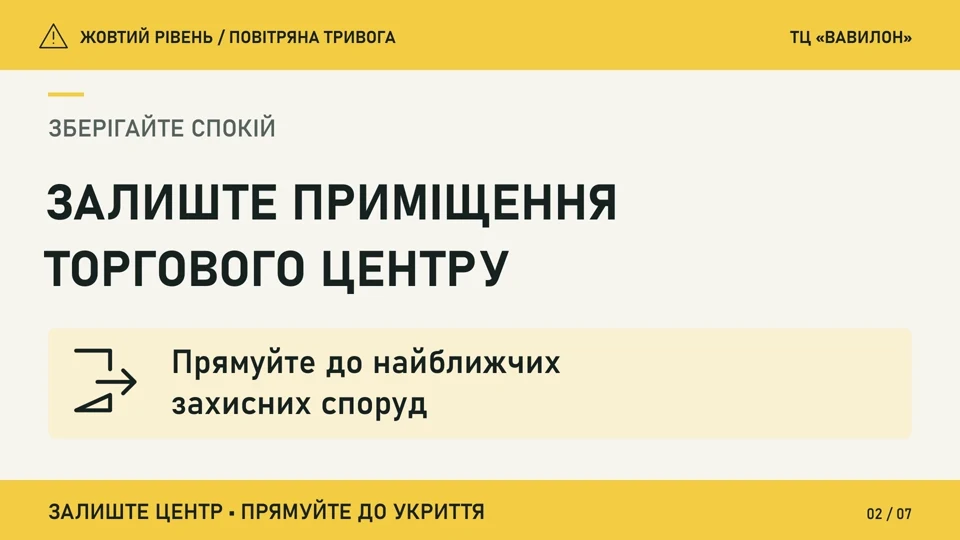
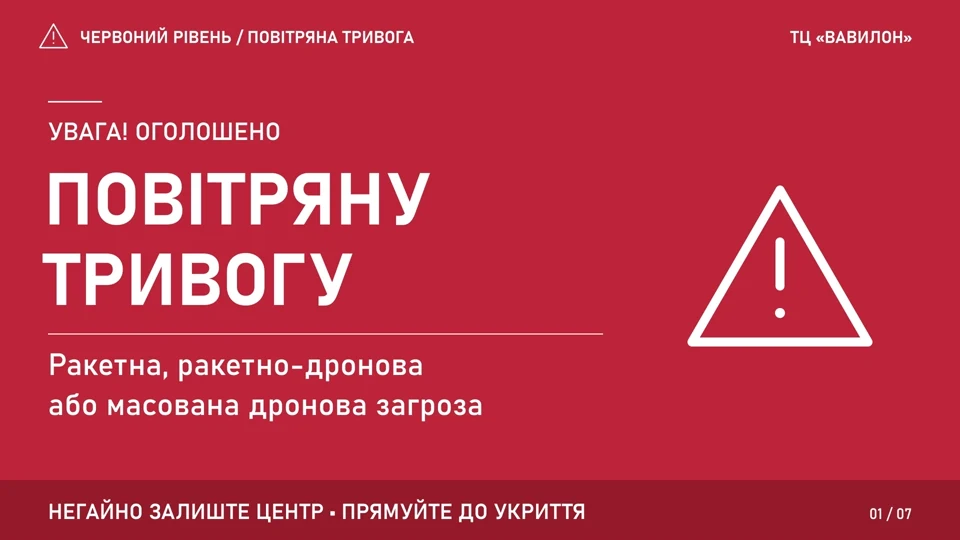
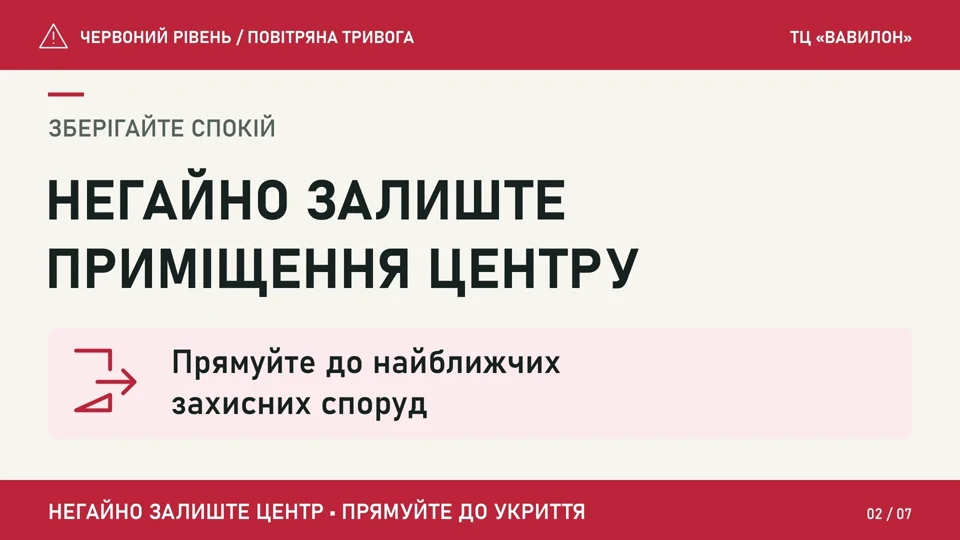
Design each level in Canva: colours, logo, clear instructions and the route to a shelter. Upload the finished materials to NEXON Vision.
NEXON Vision AI can help create an alert video and turn your text into synthesised speech. Our team can help prepare content for your venue.
The system is ready to use. With the player, internet connection and materials prepared, basic setup takes a few minutes.
Power, internet and a cable to your sound system or television. On Android TV / Google TV, the app can run without a separate player.
Register the device in your NEXON Vision cloud account and upload the audio and video notification materials.
Set the area and playlists for both levels. Check volume, screen output and scenarios before making them available to visitors.
Our customers use NEXON Vision in shopping centres, fuel station networks, clinics and other venues. Alerts work alongside everyday screen content and background music.
A powered-on device, an internet connection and a configured location. Downloaded media stays on the player, but new events arrive online.
For a sound system or a conventional television, you need NEXON Player and a paid subscription that includes alerts. Models and prices are in the hardware catalogue; call us to discuss the cost for your location.
This solution is an additional information channel, not a replacement for mandatory civil protection systems. Match visitor instructions to your venue’s safety procedures.
We will help you choose a player and set up the system once the equipment arrives. If you already have a compatible device, you can start without waiting for delivery.
Call us for answers and help getting connected
+380 50 920 70 00